Discover the most effective AI photo retouching tools available today, tailored to enhance portrait photography with advanced features and user-friendly designs.
In recent years, artificial intelligence (AI) has dramatically transformed various sectors, including photo editing. This article focuses on AI photo retouching, an area where these advancements allow photographers to refine their work more efficiently than ever. Unlike basic edits like color correction, AI retouching tools can tackle more intricate tasks, such as skin smoothing, facial shaping, and dynamic re-lighting of portraits. Let’s take a closer look at some of the most notable AI photo retouching programs currently on the market.
Evoto
Evoto stands out as an all-encompassing AI retouching tool with an extensive range of features, user-friendly functionality, and straightforward pricing. It efficiently handles everything from basic skin retouching and blemish removal to advanced techniques that once consumed hours of manual effort, like body sculpting and glare elimination.
However, it's essential to note that Evoto operates on a pay-per-image model, meaning costs can escalate for those needing to retouch upwards of 800 or 1600 images annually. Their plans start at $80 per year for 800 credits and $134 for 1600 credits, which may not accommodate every user’s volume needs.
For further insights, check our detailed Evoto Review.
Aperty

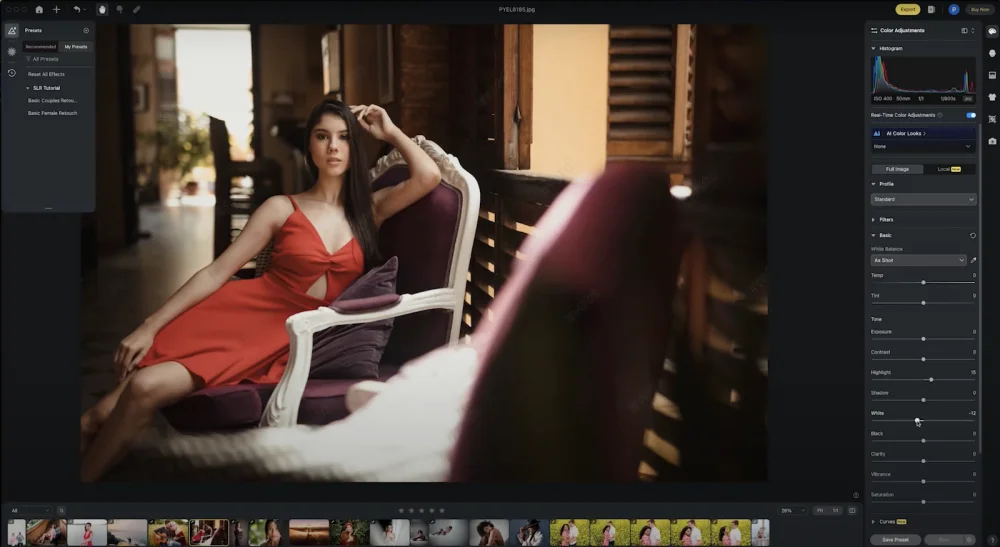
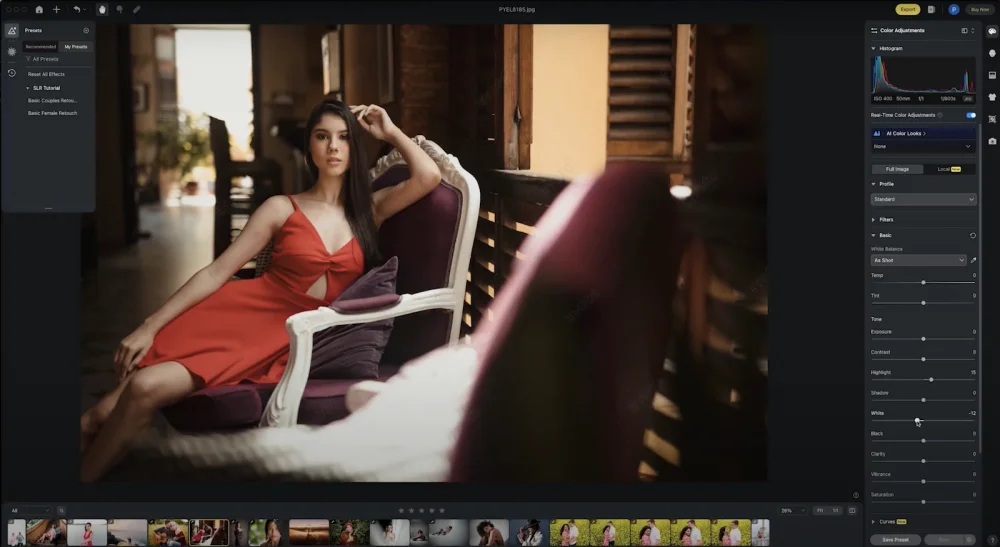
Aperty is a newer contender in the AI photo retouching landscape, particularly as a Lightroom plugin. Designed by the creators of Luminar Neo, Aperty boasts a clean, automated interface with a variety of retouching features accessible via a simple slider-based mechanism. This tool not only excels at retouching but also streamlines color correction, making it a valuable asset in any workflow.
Aperty’s standout tool is its effective eyebag remover, but it also includes makeup and facial shape adjustment options that provide excellent results. While its lighting adjustment features are useful, they may not be as effective as some competitors.
For a comprehensive analysis, refer to our in-depth Aperty Review.
Portrait Pro

For years, Portrait Pro has earned a reputation as a favorites among professional photographers for its polish and precision. The application houses an extensive suite of tools that generally yield impressive results across various retouching needs.
Nonetheless, users may find that the default slider settings tend to be a bit aggressive, requiring some fine-tuning. Additionally, achieving flawless details, like skin texture or fine hair, can demand more manual adjustments compared to fully automated solutions—an aspect that may appeal more to professionals than to casual users.
You can explore our full findings in the Portrait Pro Review.
Retouch4me
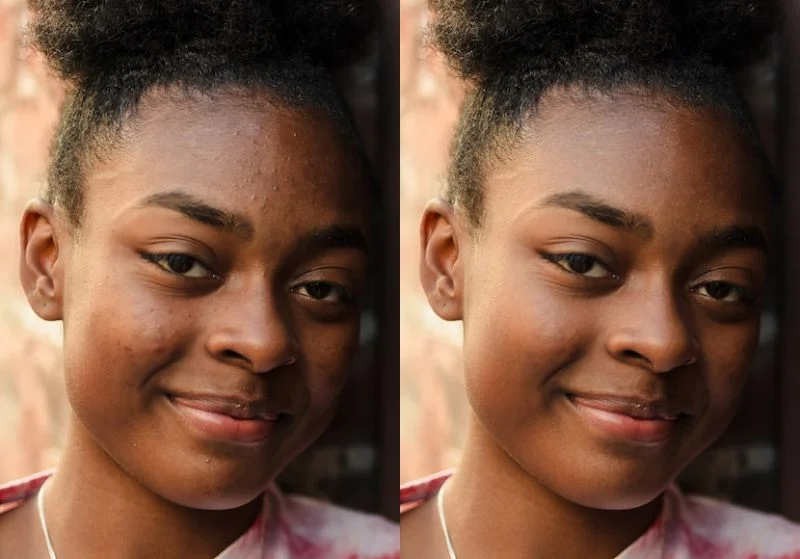
Retouch4me is specifically geared towards professionals, operating mainly as a Photoshop plugin, which fits seamlessly into workflows typical for wedding and portrait photographers. It provides a robust selection of retouching tools, including general touching up and more advanced functionalities such as color matching.
However, being a plugin means that it is somewhat limited by Photoshop's tools and user interface, which could be a drawback compared to stand-alone applications. It remains a solid choice for those with a strong preference for working within Photoshop.
For more on its capabilities, see our Retouch4me Review.
Artlist
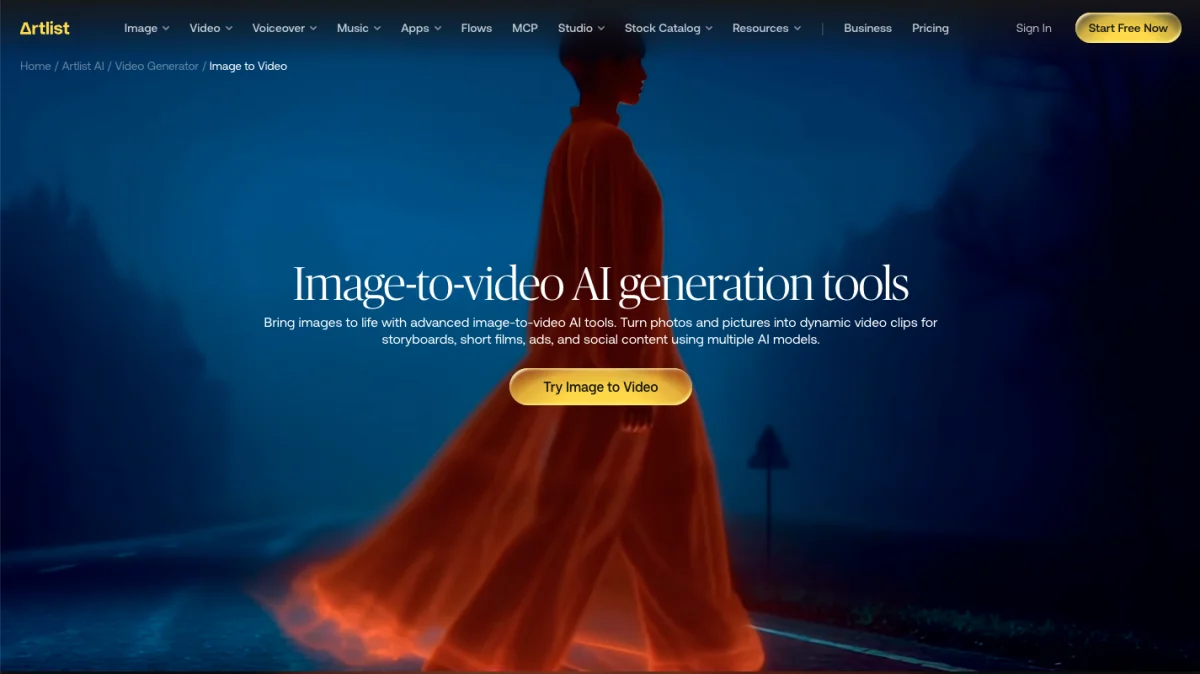
Artlist shines in a different arena by focusing on what happens after retouching. Its unique AI tools include image-to-image capabilities, allowing users to modify existing images with prompts, such as altering backgrounds or changing the overall mood without starting anew.
For portrait and wedding photographers, the motion feature is particularly appealing, as it can transform a finished portrait into a dynamic video clip with its image-to-video generator. This functionality is invaluable for creating social media teasers from existing images, enabling the addition of licensed music seamlessly.
However, it’s important to highlight that Artlist isn't specifically made for skin retouching; it’s designed to enhance and develop images post-processing, making it a supportive tool rather than a primary retouching application.
Other AI Photo Retouching Options
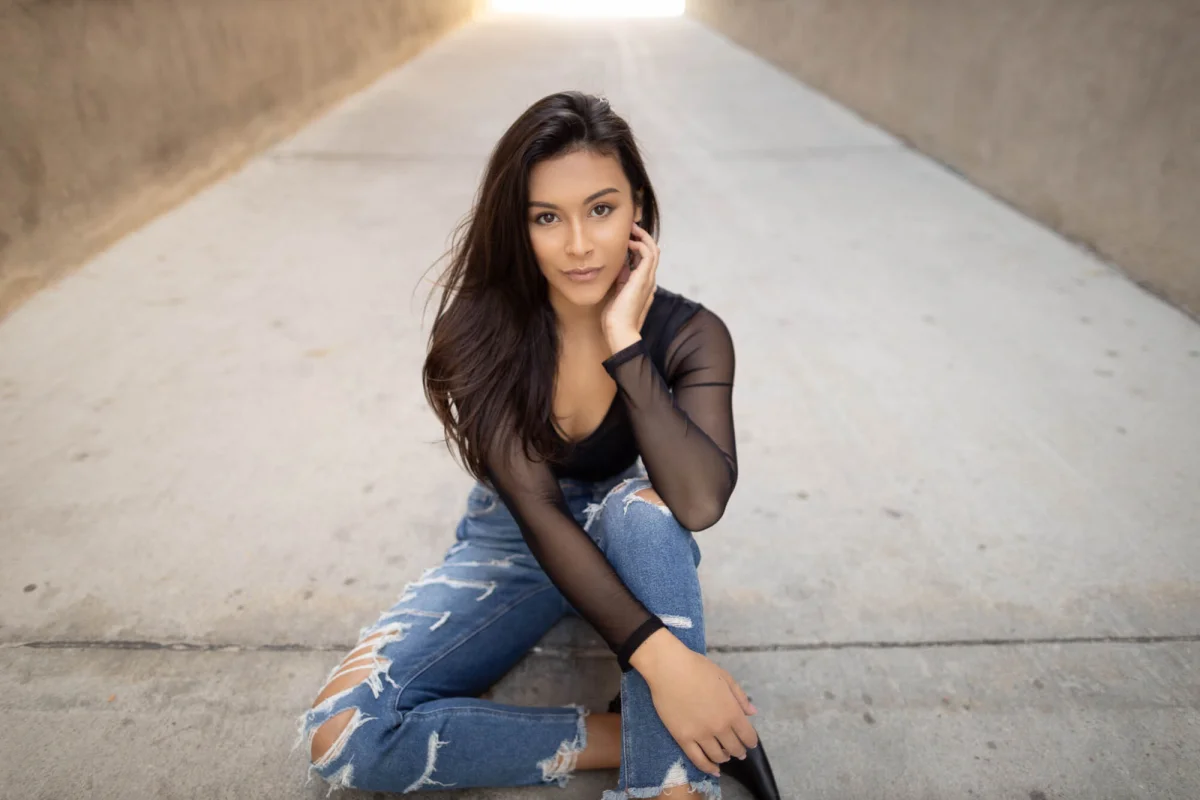
With the surge in AI technology, numerous other retouching applications have emerged, catering to varying needs. While comprehensive testing hasn't been conducted on all of them, options like Reblum have shown potential. For mobile users, apps like Fotr and Lensa cater specifically to on-the-go creators.
If a desktop solution is necessary, broader applications such as Topaz Photo AI and Iris include AI retouching among their many features. Alternatively, those seeking an all-in-one workflow tool may find Adobe's AI face-detection features in Lightroom beneficial for basic tasks, like masking facial elements.
Conclusion
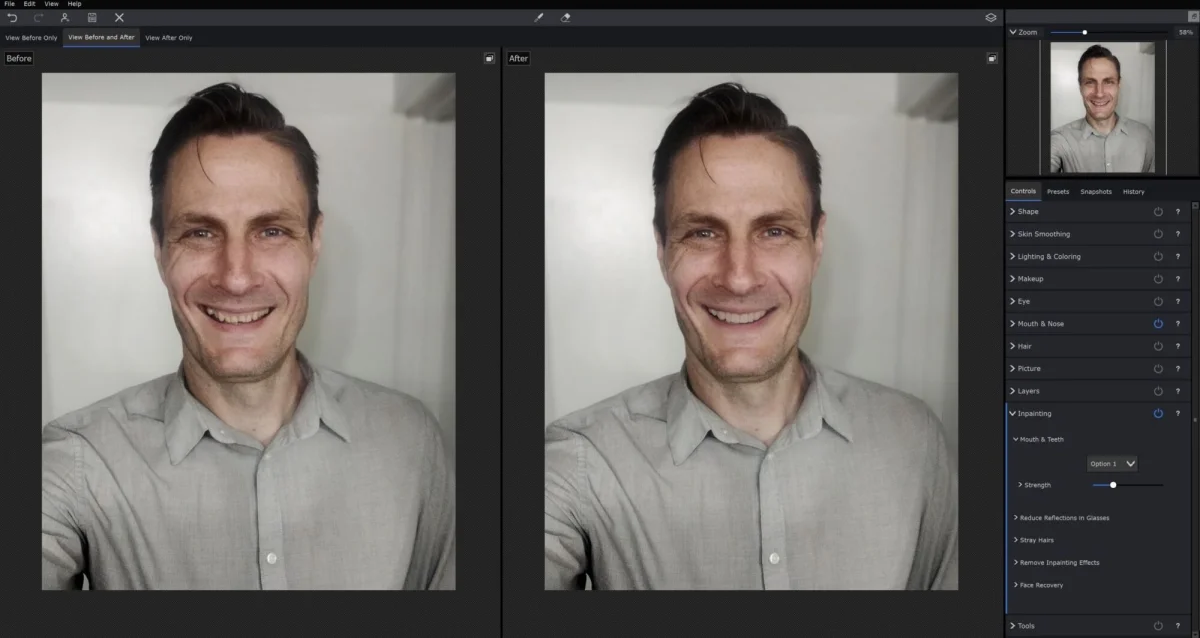
As we conclude our exploration of AI photo retouching options, it's evident that a wealth of resources exists for both amateur and professional photographers. Each of these applications offers distinct features and capabilities, making it crucial for users to identify which tool aligns best with their specific requirements. The landscape is ever-growing, and choosing the right fit can significantly enhance your retouching workflow.